


Everything you need to set up, use, and troubleshoot your Feit Electric smart products — from app pairing and 2.4 GHz Wi-Fi setup to step-by-step videos and the free Feit Electric app.

Ready to Make Your Home Smarter?
Download the free Feit Electric app and start controlling your smart home in minutes. No hub. No subscription. No hassle.
Scan the QR code, or click a button below to download. Tap a button below to download.


OR

Scan to download
Smart Product Support & Setup


FAQ
Smart Camera and Smart Video Doorbell FAQs
What is the difference between Feit Electric indoor and outdoor smart cameras?
Feit Electric indoor cameras are designed for interior monitoring — ideal for living rooms, entryways, and nurseries. Outdoor cameras are weather-resistant with an IP65 rating or higher, built to handle rain, dust, and temperature extremes year-round.
Should I choose a wired or battery-powered video doorbell?
Wired Feit Electric video doorbells use your existing doorbell wiring for continuous power — no recharging needed. Battery-powered models install anywhere with no wiring required, but need periodic recharging. Choose wired for a permanent install, battery for flexibility.
Do Feit Electric cameras need a MicroSD card?
A MicroSD card is not included but is recommended for local video storage. Without one, Feit Electric cameras still support live viewing and motion alerts via the free Feit Electric app. Insert a MicroSD card to save and review recorded footage directly on the device.
How many cameras do I need to cover my home?
For most homes, Feit Electric recommends one camera per main entry point — front door, back door, and garage — plus indoor cameras for high-traffic areas. A video doorbell covers your front entrance while outdoor cameras handle side and rear coverage.
Can I view Feit Electric camera footage without the app?
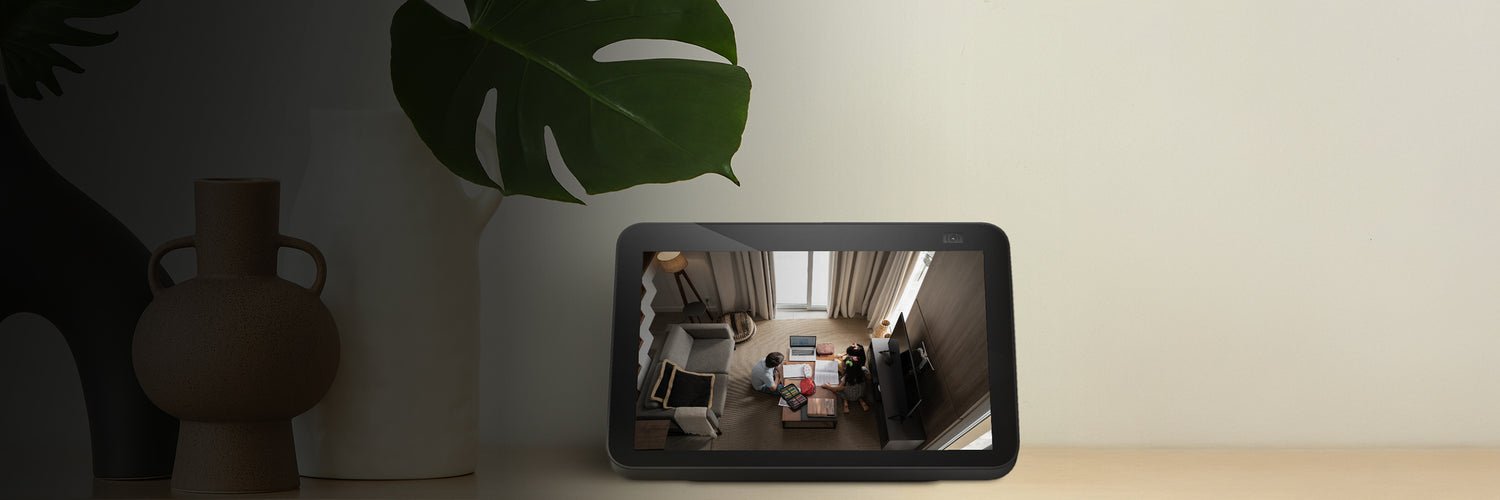
The Feit Electric app is required for initial setup and remote viewing. Once set up, you can also view live footage through Amazon Alexa or Google Home on compatible smart displays. Local footage saved to a MicroSD card can be accessed directly from the card without the app.